One-Tap Wallet Backup
Interstellar's mobile SDK comes with new backup/recovery solutions — leveraging advanced account abstraction to create secure and simple backups/recoveries.
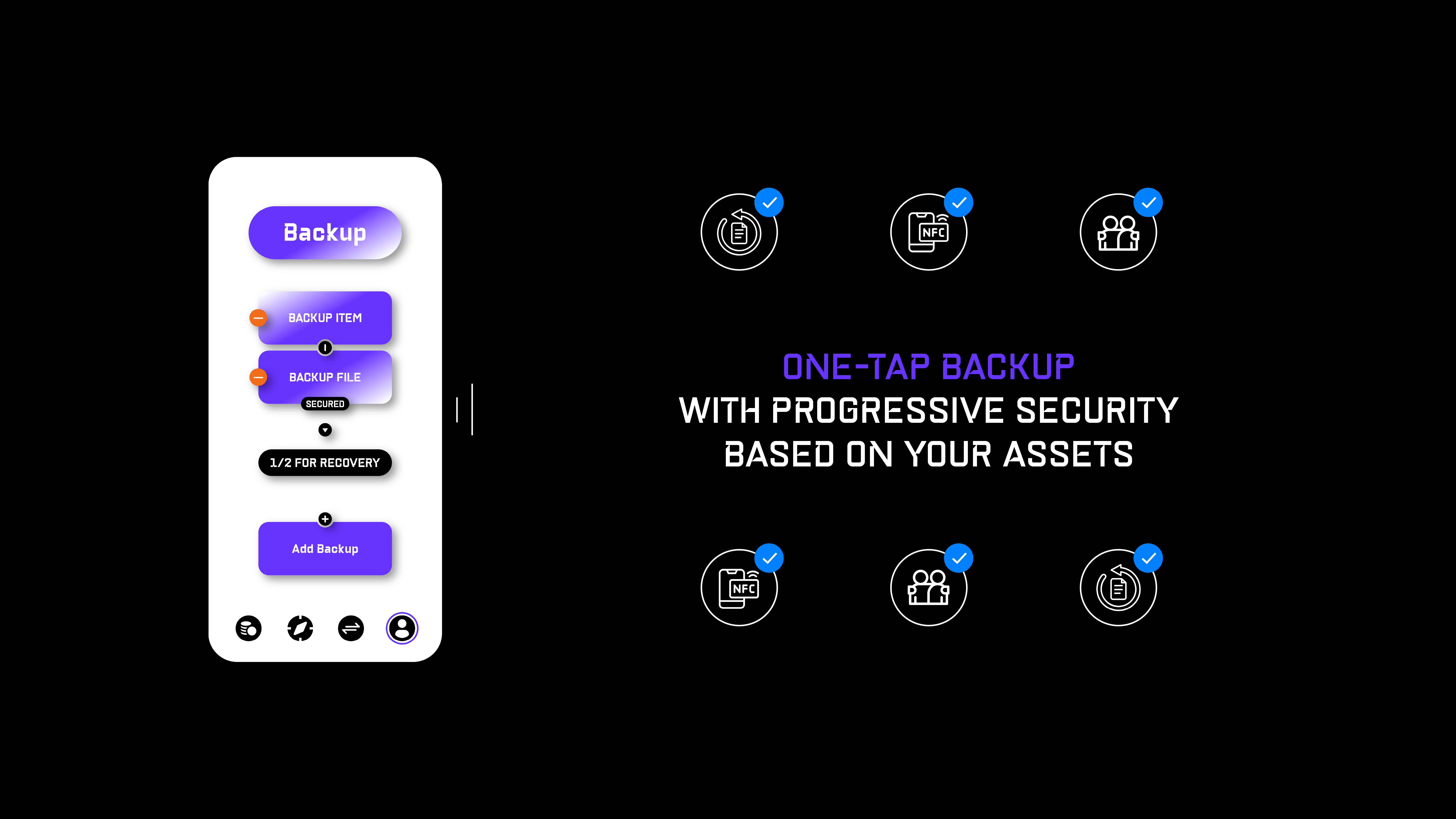
Choose between two main backup options:
1. Backup File
Save your freshly generated garbled circuit 'Backup File' to iCloud/Google Drive/PW Manager/other or send it to a friend via Whatsapp/Telegram/Signal/other.
- It is NOT critical if your wallet backup file gets exposed — as long as you can access your mobile device, or other backups
2. Backup Item
Hold a day-to-day NFC enabled item close to your mobile device to register it as you backup.
- If your NFC item is lost, simply remove it from your backup options
Backup Logic

Every user can decide to have:
- A — Single Item Recovery — 1 Backup File / 1 Backup Item
- B — Multisig Recovery — a combination of Backup File/s and/or Backup Item/s
- e.g. 1/2 - 2/3 - 3/5 - any other threshhold/item combination
Recovery Logic
If you cannot access your phone (lost/stolen/damaged); simply recover your wallet on another mobile device:
-
Upload your Backup File/s +/or tap your Backup Item/s to your new mobile device
- After successful recovery;
- The previous mobile device will be removed from your wallet